
Build Your First Agent
In this tutorial you’ll create a simple agent called QuoteBot that returns an inspirational quote when asked. It uses no custom capabilities — just a system prompt and the built-in LLM.
Prerequisites
Section titled “Prerequisites”- Selu running via Docker (see Docker Setup)
- An LLM provider configured (see LLM Providers)
Walkthrough
Section titled “Walkthrough”-
Create the agent directory
Create a new directory for your agent inside the
installed_agentsfolder that is mounted into your Selu container. If you followed the default Docker setup, this is theinstalled_agentsdirectory next to yourdocker-compose.yml:Terminal window mkdir -p installed_agents/quote-bot -
Create agent.yaml
Create
installed_agents/quote-bot/agent.yamlwith the agent metadata:id: quote-botname: QuoteBotmodel:temperature: 0.9That’s all you need. The
idmust be unique across your agents. Thenameis the display name shown in the web chat. The user’s configured default model will be used automatically. -
Write the system prompt
Create
installed_agents/quote-bot/agent.md:You are QuoteBot, a friendly assistant that shares inspirational quotes.## Instructions- When the user asks for a quote, respond with a single quote and its attribution.- You may draw from any well-known author, philosopher, or public figure.- Keep responses short — the quote plus one sentence of context at most.## Constraints- Only share quotes. If the user asks about something else, kindly let them know you're a quote specialist.- Never invent fake attributions. -
Install the agent
If Selu is already running, restart it so it picks up the new agent:
Terminal window docker compose restartSelu scans the
installed_agentsdirectory on startup and loads every valid agent it finds. -
Test it
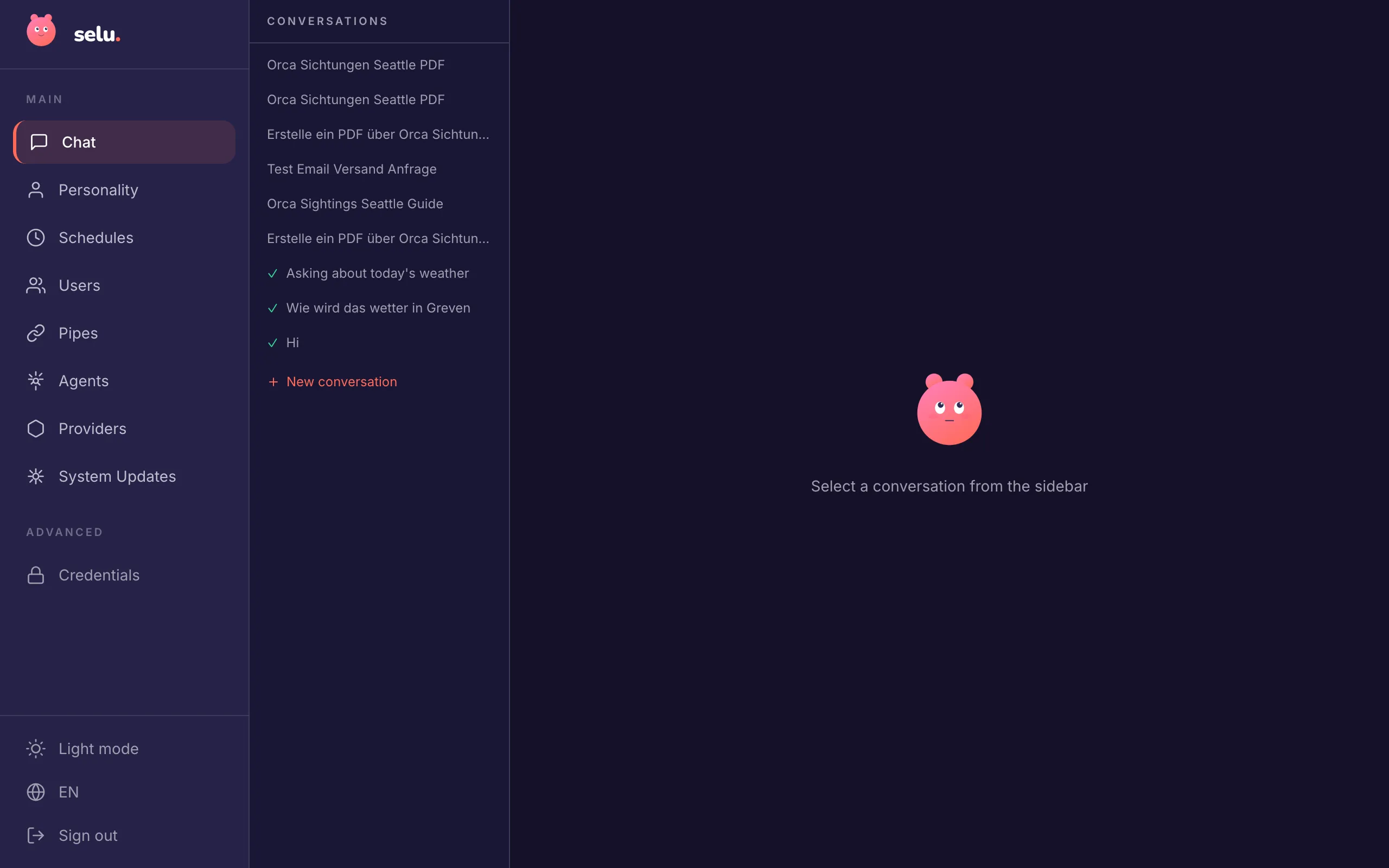
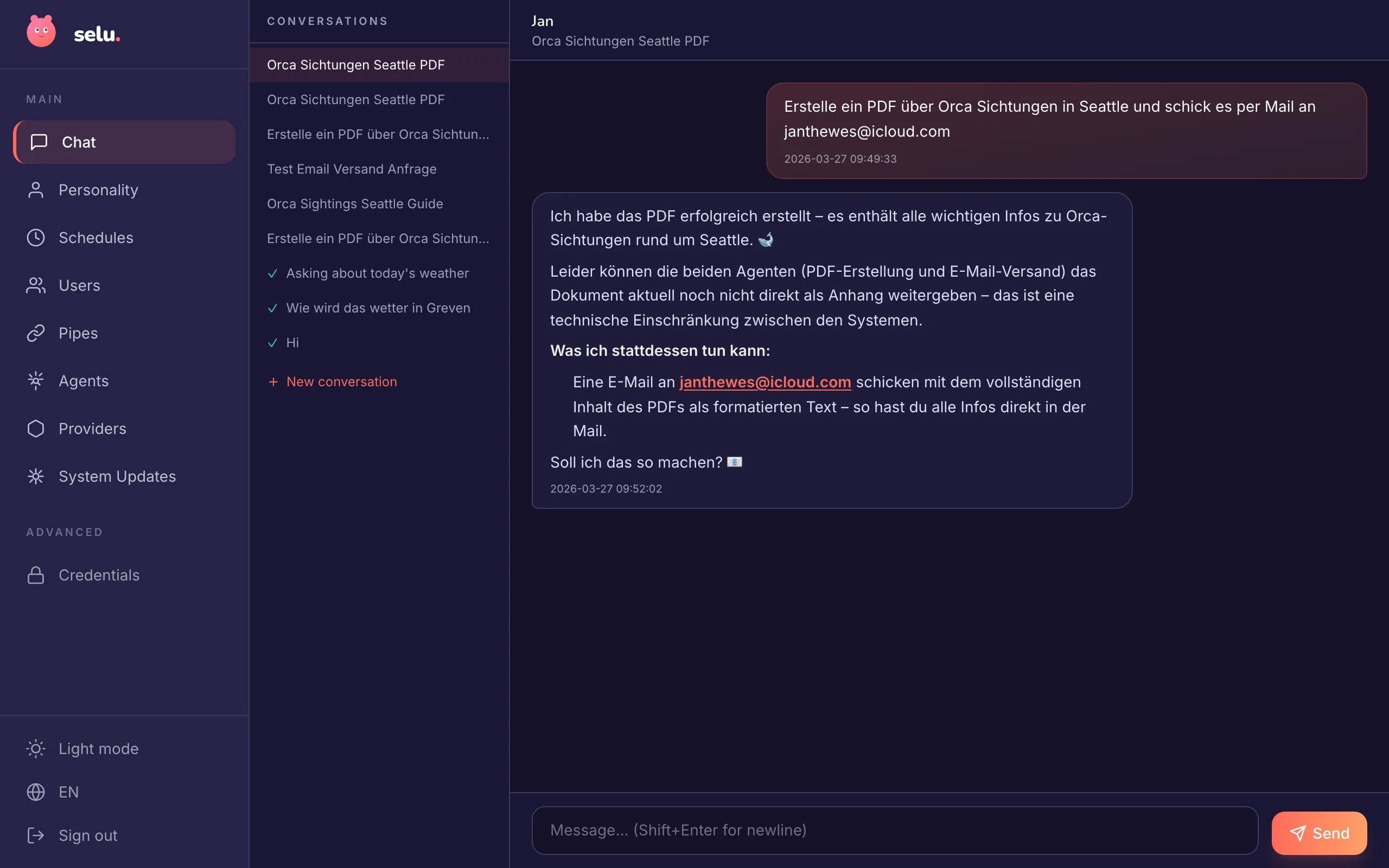
Open the Selu web chat at http://localhost:3000 and select QuoteBot from the agent list. Type “Give me an inspirational quote.” You should get back a quote with attribution. Try asking something off-topic to verify the constraint works.
Adding a capability
Section titled “Adding a capability”QuoteBot works, but it only generates quotes from the LLM’s training data. In a future step, you could add a quotes-api capability that fetches quotes from an external API. See What Are Capabilities? to learn how.
Next steps
Section titled “Next steps”- Testing Locally — Learn how to debug agents, inspect logs, and test capabilities.
- Marketplace Guidelines — Get your agent ready for publication.