
Daily digest
A morning schedule that gathers your calendar, weather, and news into a single summary.
Most of the time, you send a message and your agent replies. But with schedules and automation, your agents can work for you on their own — no prompting required.
Agents can run tasks on a schedule using two built-in tools:
When a schedule or reminder fires, the agent runs the task and sends the result as a new conversation on your active pipe.
Just ask your agent in natural language:
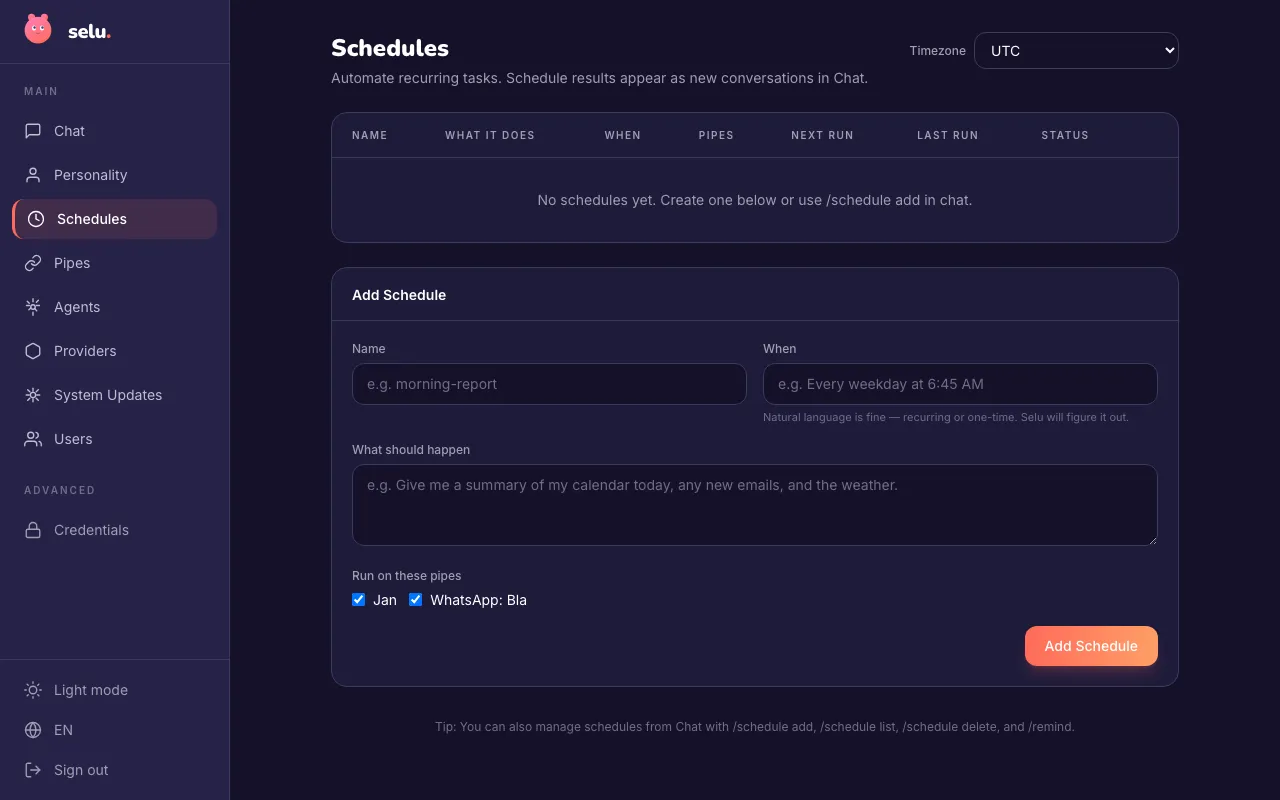
"Remind me to call the dentist tomorrow at 3pm""Check my calendar every weekday morning at 6:45 AM""Send me a weekly summary every Friday afternoon"You can also use the /schedule command directly or manage everything from the Schedules page.
Some agents come with pre-configured schedules designed by the agent author. If an agent supports managed automation, you’ll see the option on its detail page. See Managing Agents for details.
Daily digest
A morning schedule that gathers your calendar, weather, and news into a single summary.
Monitoring
Periodic checks on services or APIs, with alerts when something looks off.
Workflow automation
Recurring tasks like syncing data, generating reports, or sending reminders.
All schedules and reminders are visible on the Schedules page, where you can edit, pause, or delete them.